Meta Animated Drawings Not Working on Your Kid's Drawing? Here's Why, and What to Use Instead
Meta's free Animated Drawings demo only animates one person-shaped figure. Why it fails on animals and busy scenes, and how to make the whole drawing move.
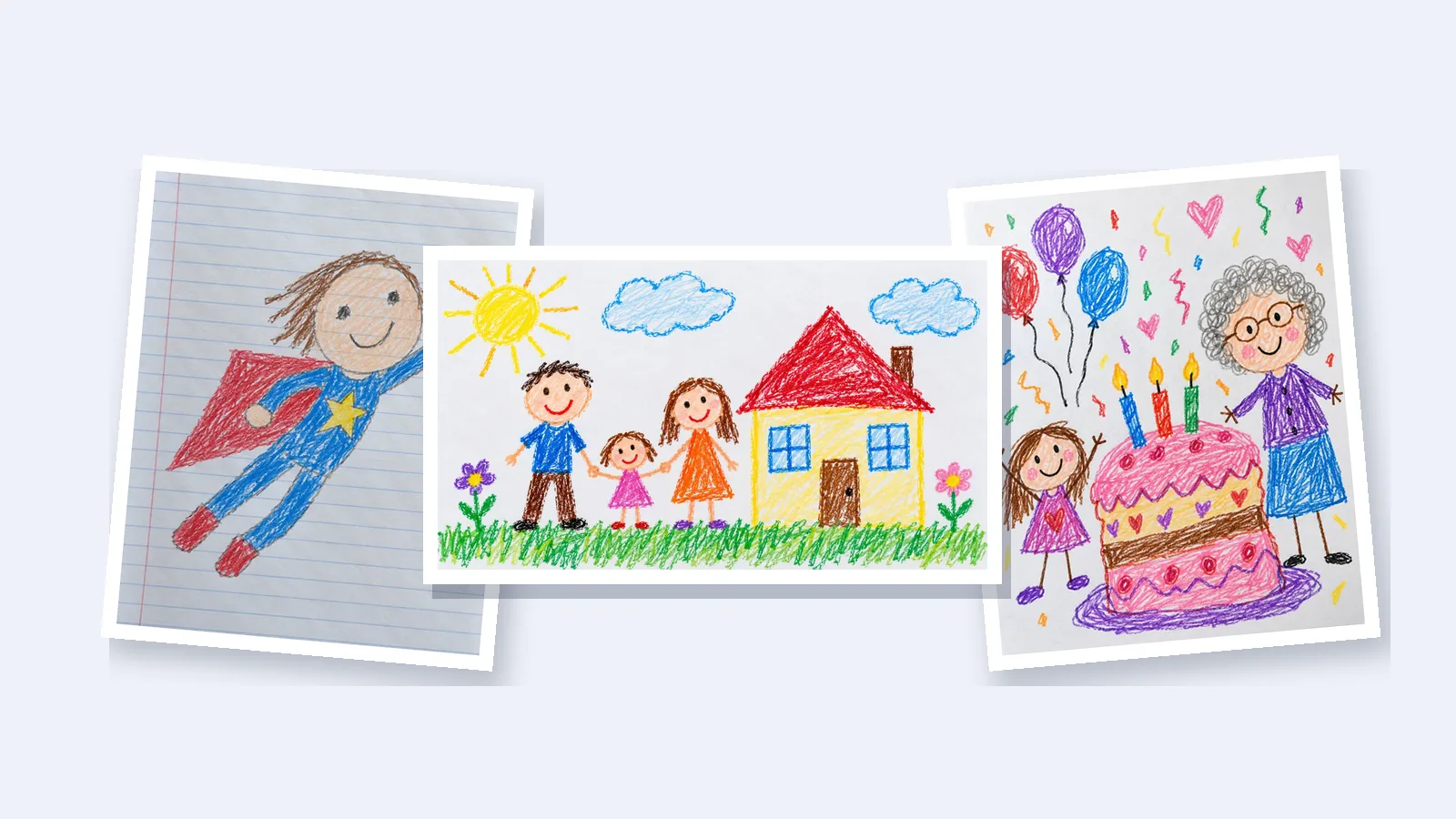
You took a photo of your child's drawing, uploaded it to Meta's Animated Drawings, and it couldn't find the character, or the result looked strange. You probably didn't do anything wrong. The tool was built for one kind of drawing, and a lot of children's drawings aren't that kind.
Here is what the tool does, why it struggles with some drawings, how to get it working when it can, and what to use when your child drew something it can't handle.
What is Meta Animated Drawings?
Animated Drawings is a free website from Meta's research lab, at sketch.metademolab.com. You upload a photo of a drawing, and it looks for a person in it. It works out where the head, arms and legs are, then makes the figure dance, jump or walk, copying movements recorded from real people.
Because it moves the drawing itself, the lines and colors stay exactly as your child made them. For a stick figure or a drawing of a person, it works well and costs nothing.
Why doesn't it work on my child's drawing?
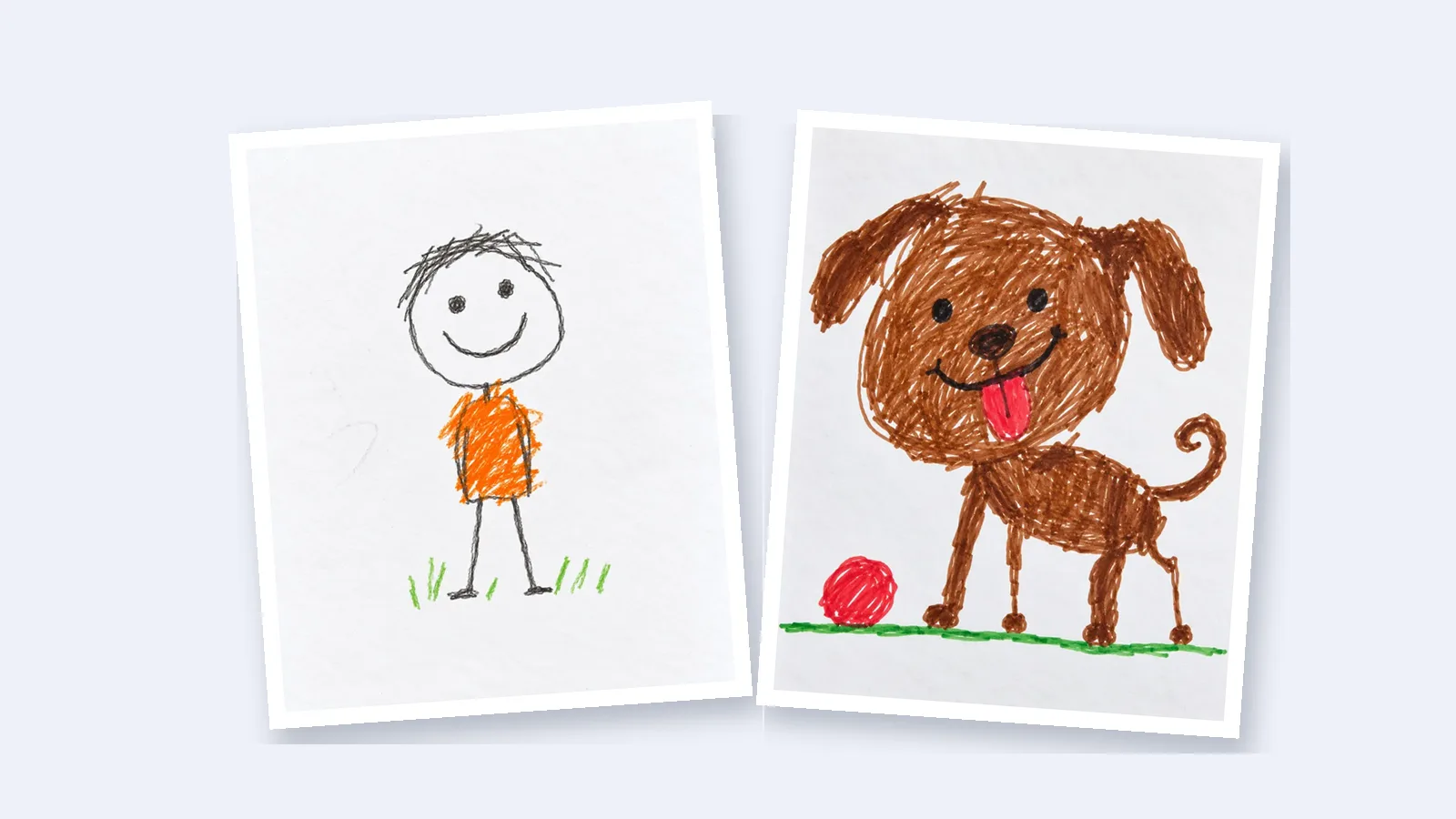
The tool expects one person with a head, a body, two arms and two legs. When a drawing doesn't look like that, it either can't find a character or moves it in odd ways. The most common reasons:
- Your child drew an animal, a dinosaur or a car. Four legs, a tail or wheels don't fit the person-shaped skeleton the tool uses. Other parents have asked for a four-legged option on the project's GitHub page, but it was never added.
- The drawing is a whole scene. Only one character can move. The house, the sun, the pets and everyone else stay still.
- There are several people. In a family portrait, one person dances and the rest of the family stays frozen.
- Arms touch the body or other people. Figures holding hands or with arms drawn against their sides are hard for the tool to separate.
- The photo is hard to read. Shadows, lined paper, or a crumpled page can hide the outline.
How to get it working when your child drew a person
If the drawing is a single person or a stick figure, these steps usually fix it:
- Take the photo in daylight, straight from above, so there are no shadows across the page.
- Crop the photo so the drawing fills it and the table doesn't show.
- When the tool shows a box around the character, make it fit snugly.
- Check the outline it found, and erase any bits of background it included.
- Look at where it placed the elbows and knees. If they're in the wrong spot, drag them into place before you choose a dance.
What to know before you upload
Meta's terms for the demo are worth reading first. They say that:
- the person uploading must be at least 18, so a parent should do it;
- it isn't available to people in Illinois or Texas;
- uploaded drawings are deleted within 90 days.
The demo was still online when we checked in October 2026. Its open-source code, though, was archived on GitHub on September 3, 2025, so the tool isn't being developed any further.
What to use when your child drew an animal or a whole picture
If the drawing is a pet, a dinosaur, a family or a busy scene, you need a tool that animates the whole picture instead of a single figure.
Drawing to Animation does that. You upload a photo of the drawing, and it brings everything in it to life: the dog walks, the fish swim, the clouds drift. You don't mark arms and legs or write any instructions. A minute or two later you get a short video that still looks hand-drawn.

This marker dog has four legs and a curly tail, so Meta's demo has no way to fit a person's skeleton to it. Here it trots toward its ball:

And in this watercolor sea, every creature moves at once. The fish swim, the octopus waves its arms and the seaweed sways:
Your first video is free once you sign up with your email, and you don't need a payment card. Each video is eight seconds long, saves as an MP4 you can send straight to family, and has no watermark.
Other options
- General AI video apps such as Runway, Kling and Pika can also animate a drawing from one photo. They're built for all kinds of video, so you write a description of the motion yourself and pay with their credits.
- Phone apps that work like Meta's demo, such as Levende for iPhone and iPad, animate a person-shaped figure without uploading the drawing anywhere. Like Meta's tool, they work best with people.
Which one should you use?
| What your child drew | Meta Animated Drawings | Drawing to Animation |
|---|---|---|
| One person or stick figure | Works well, and it's free | Works well |
| A pet, a dinosaur or a car | Usually can't find it | The animal moves |
| A family or several friends | One person moves | Everyone moves |
| A scene, like a house, a beach or the sea | The background stays still | The whole picture comes alive |
If your child drew a person, try Meta's free demo first. For anything else, or if the demo couldn't find the character, use a tool that animates the whole picture.
Questions parents ask
Is Meta Animated Drawings free?
Yes. The demo is free, but its terms say the person uploading must be at least 18.
Can Meta Animated Drawings animate animals?
Not reliably. It's built for person-shaped figures, so animals, dinosaurs and other creatures often aren't recognized. A tool that animates the whole picture, like Drawing to Animation, can make them move.
Is Meta Animated Drawings still working?
The website was online in October 2026, but its open-source code was archived in September 2025 and isn't being updated.