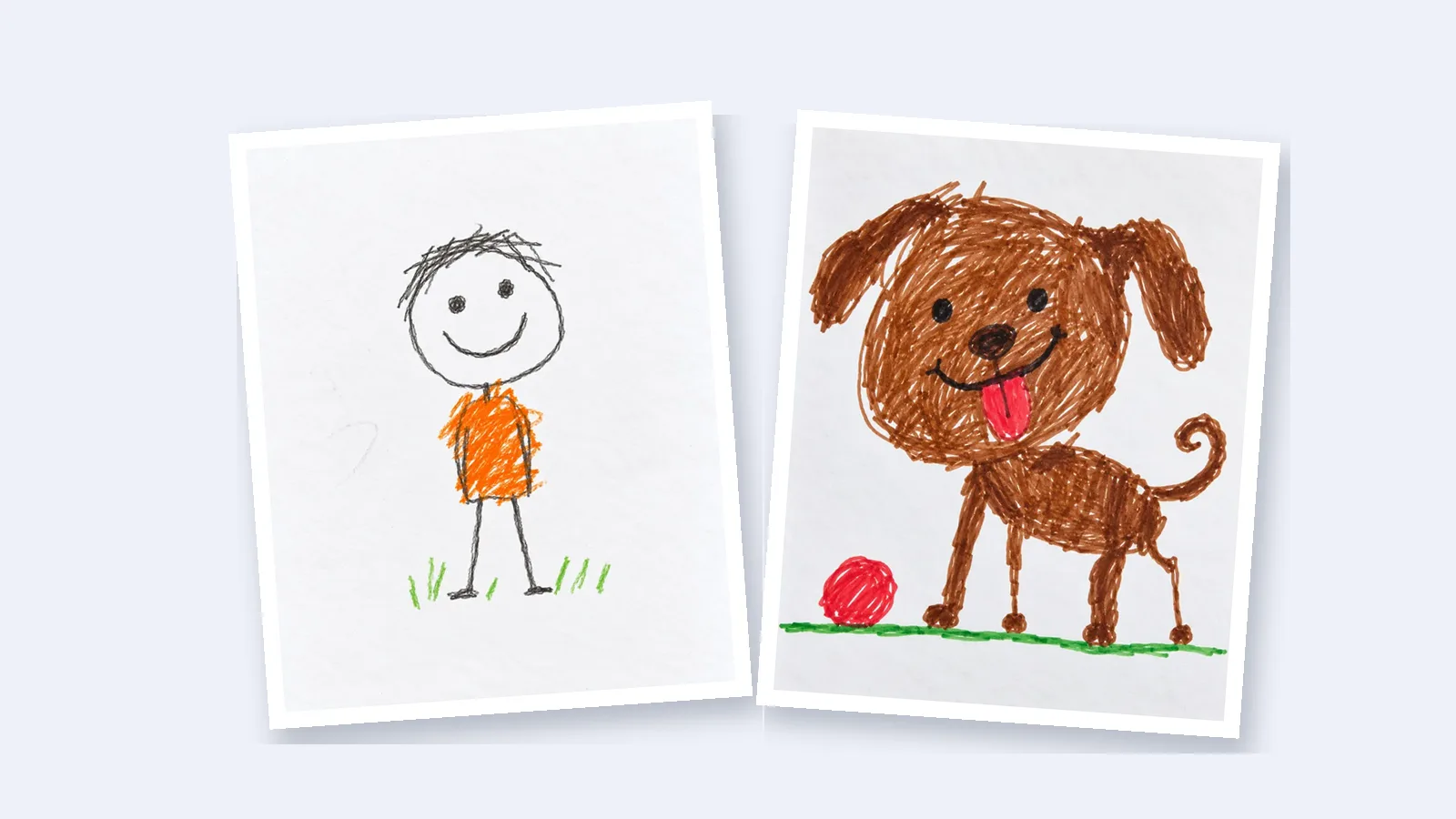
How to Make Your Kid's Drawing Move: A Simple Guide for Parents
Turn a photo of your child's drawing into a short animated video: how to take the photo, which tool fits what they drew, and ideas for sharing it.
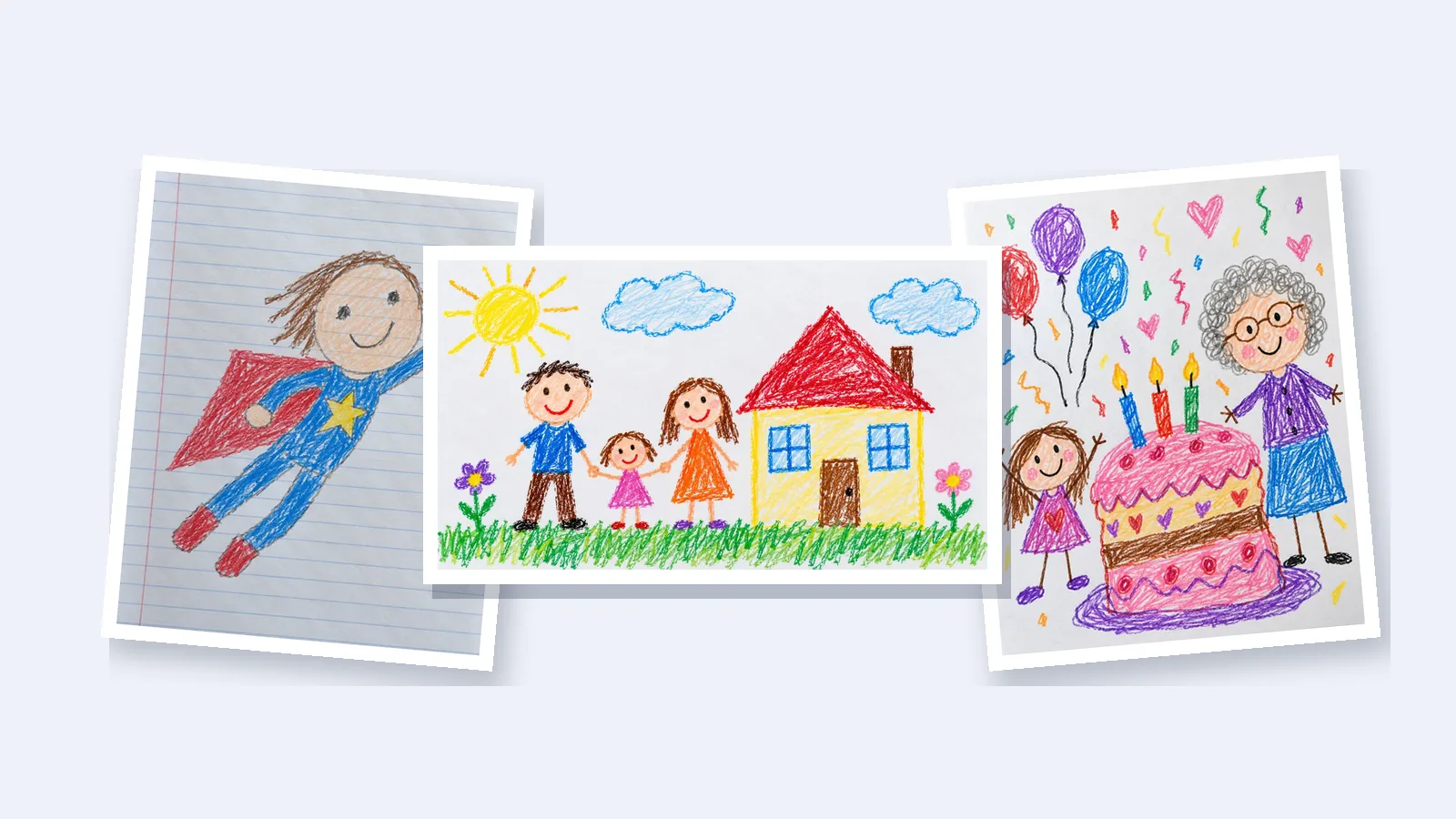
Few things delight a child like seeing their own drawing come to life. The good news is that you don't need animation software or any drawing skills to do it. A phone and a couple of minutes are enough.
This guide walks you through it: how to photograph the drawing, which tool to use for what your child drew, and what to do with the video afterwards.
What do you need?
- The drawing, on paper.
- A phone with a camera.
- A website that turns the photo into a video. You don't need to install an app.
Step 1: Take a good photo of the drawing
The photo is the one thing you control, and it makes the biggest difference.
- Shoot from straight above. Hold the phone flat over the paper so the drawing isn't tilted.
- Use daylight. A spot near a window works better than a lamp, which casts a shadow of your phone on the page.
- Let the drawing fill the photo. Crop out the table and your fingers, so only the drawing moves.
- Flatten the paper. A folded or curling page can end up looking like part of the picture.
- Leave out names. If your child wrote their full name or school on the page, crop it out before you upload.
Step 2: Choose a tool that fits the drawing
Different tools suit different drawings, so start with what your child drew.
- A single person or a stick figure. Meta's free Animated Drawings demo finds the figure and makes it dance or walk. It only works with person-shaped characters, and the person uploading must be at least 18.
- An animal, a family or a whole scene. Use a tool that animates the whole picture, like Drawing to Animation. It moves everything in the drawing, from pets and dinosaurs to clouds, water and every member of the family.
- Your child wants to make the animation themselves. Flipbook and stop-motion apps let them draw or move each frame by hand. It takes longer, but they make every part of it.
If you've already tried Meta's tool and it couldn't find the character, our guide on why Meta Animated Drawings doesn't work on some drawings explains what's going on.
Step 3: Make the video
With Drawing to Animation, it takes three steps on a phone or a computer:
- Upload the photo. Tap the upload button and take a picture of the drawing or choose one from your photos.
- Check the framing. The drawing is fitted into a landscape or portrait frame for you. Most drawings need nothing, but you can drag, zoom or rotate it.
- Press animate. There's nothing to type. The AI works out who and what is in the picture and gives each one a movement that suits it.
A minute or two later, your video is ready. It's eight seconds long, saves as an MP4, and has no watermark, so you can send it straight to family.
What do the videos look like?



Here are a few drawings and the videos made from them. In each pair, the original drawing is on the left and the video is on the right.
A family in front of their house. Everyone waves and walks, and the clouds drift across the sky:

A superhero drawn on lined homework paper. She flies across the page with her cape flapping:
A birthday card for grandma. The candles flicker, the balloons bob and the confetti falls:
An underwater world, where the fish swim, the octopus waves and the seaweed sways:
And a first stick figure, waving hello:

The crayon texture, the wobbly lines and the colors your child chose all carry through into the video, so it still looks like their drawing.
Is it free?
You can try it without paying.
- Drawing to Animation: your first video is free once you sign up with your email, and you don't need a payment card. After that, you can buy a pack of three videos for $4.90, or subscribe from $9.90 a month for eight.
- Meta Animated Drawings: free, for drawings of a single person.
- Flipbook and stop-motion apps: many have free versions, but your child draws every frame.
Can I do it on my phone?
Yes. Drawing to Animation works in your phone's browser, so there's nothing to install. Take the photo, upload it on the website, and save the finished video to your camera roll.
Ideas for the finished video
- Send it to grandparents with a photo of the original drawing.
- Turn a birthday or holiday drawing into a card that moves.
- Collect a class's drawings into an end-of-year slideshow, one short video per child.
- Keep the video alongside the original, so the drawing lives on long after the paper is gone.
Questions parents ask
Will the video still look like my child's drawing?
Yes. The video starts from the photo of the drawing, so the lines, colors and paper texture your child made carry through into it.
What kinds of drawings work?
Crayon, marker, pencil, colored pencil and watercolor all work, on plain or lined paper. People, animals, dinosaurs, houses and whole scenes all move, and several characters on one page move together.
How long does it take?
Taking the photo takes a minute. After you upload it, the video is usually ready in a minute or two.